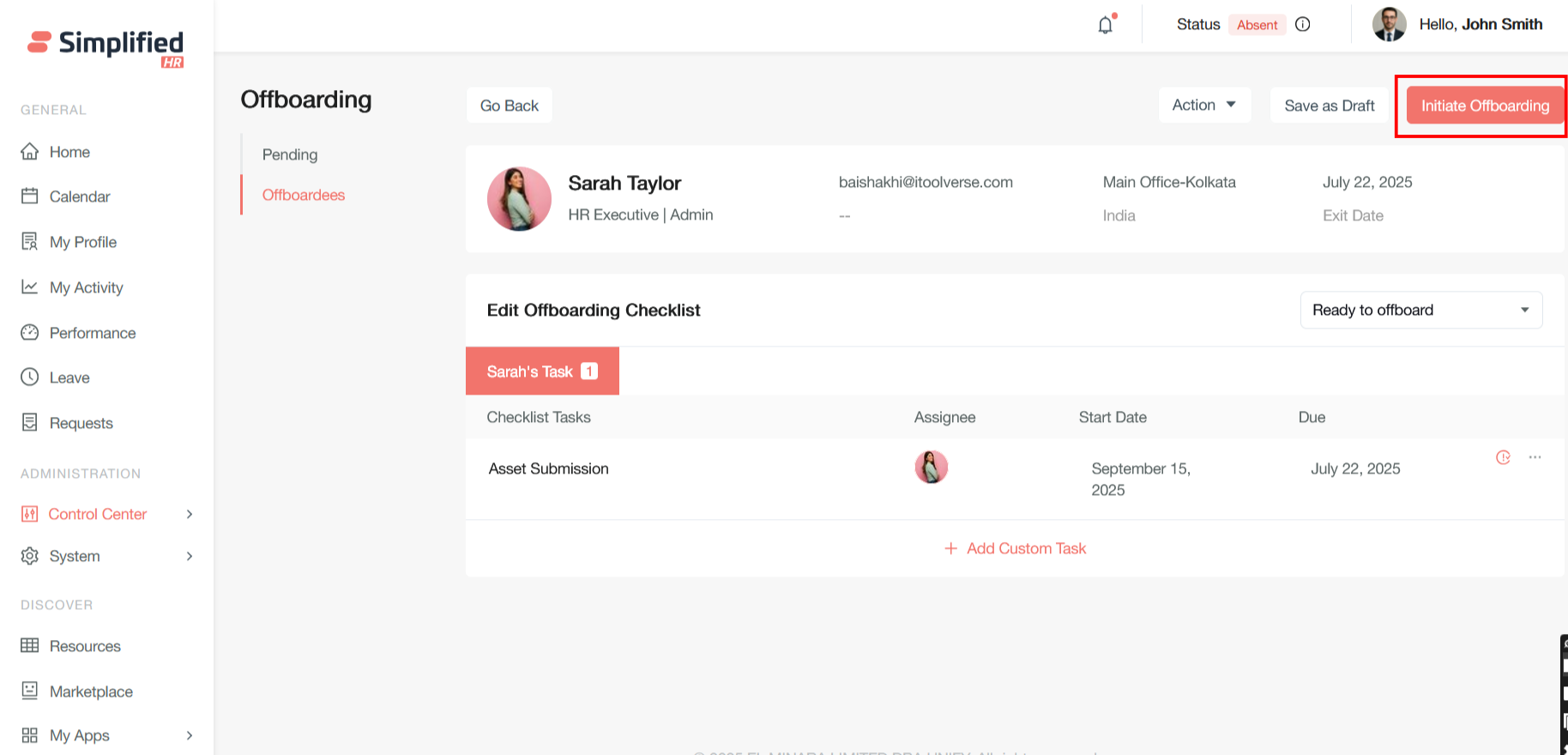
Click on Initiate Offboarding button as a primary action button to start new offboarding processes.
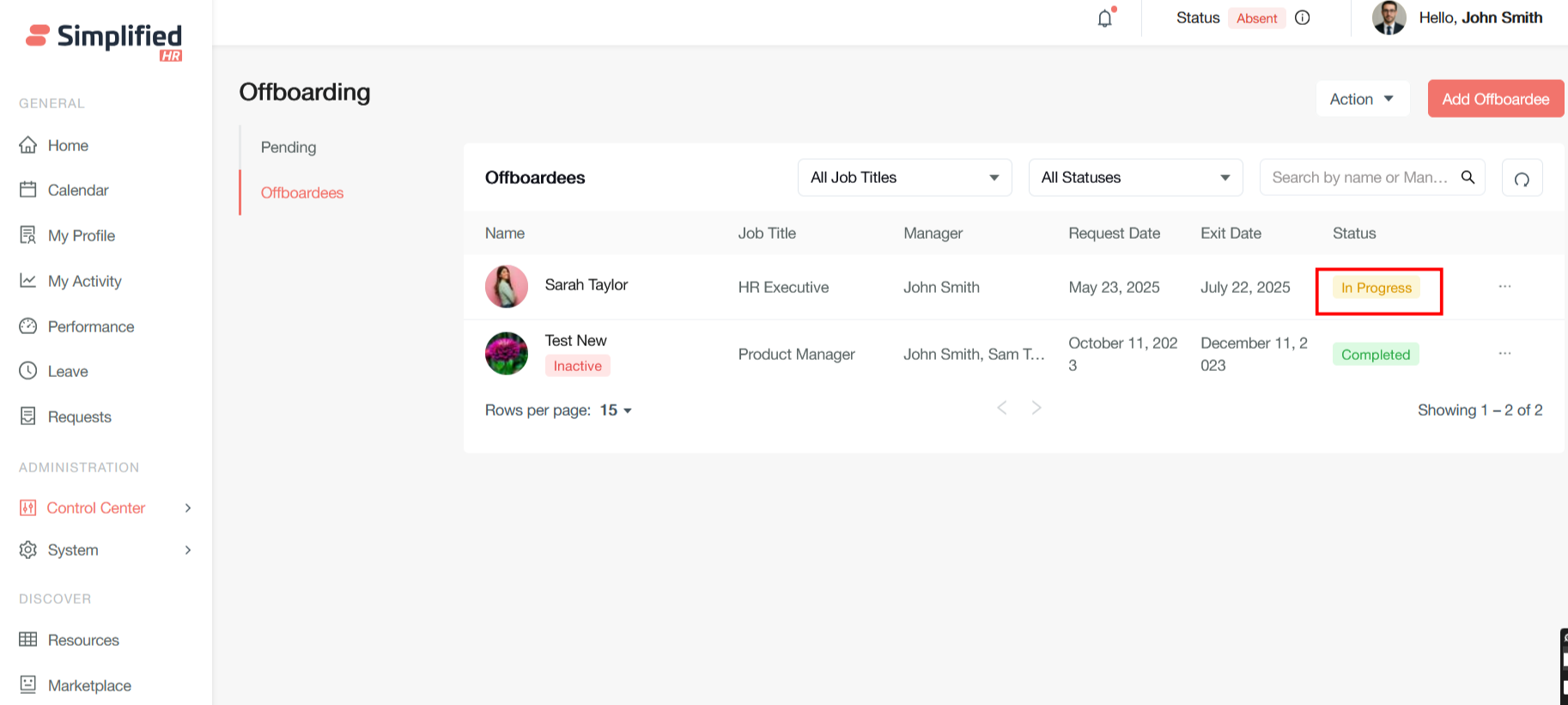
In Progress Status
After Initiate offboarding, the status changed from Active to In Progress
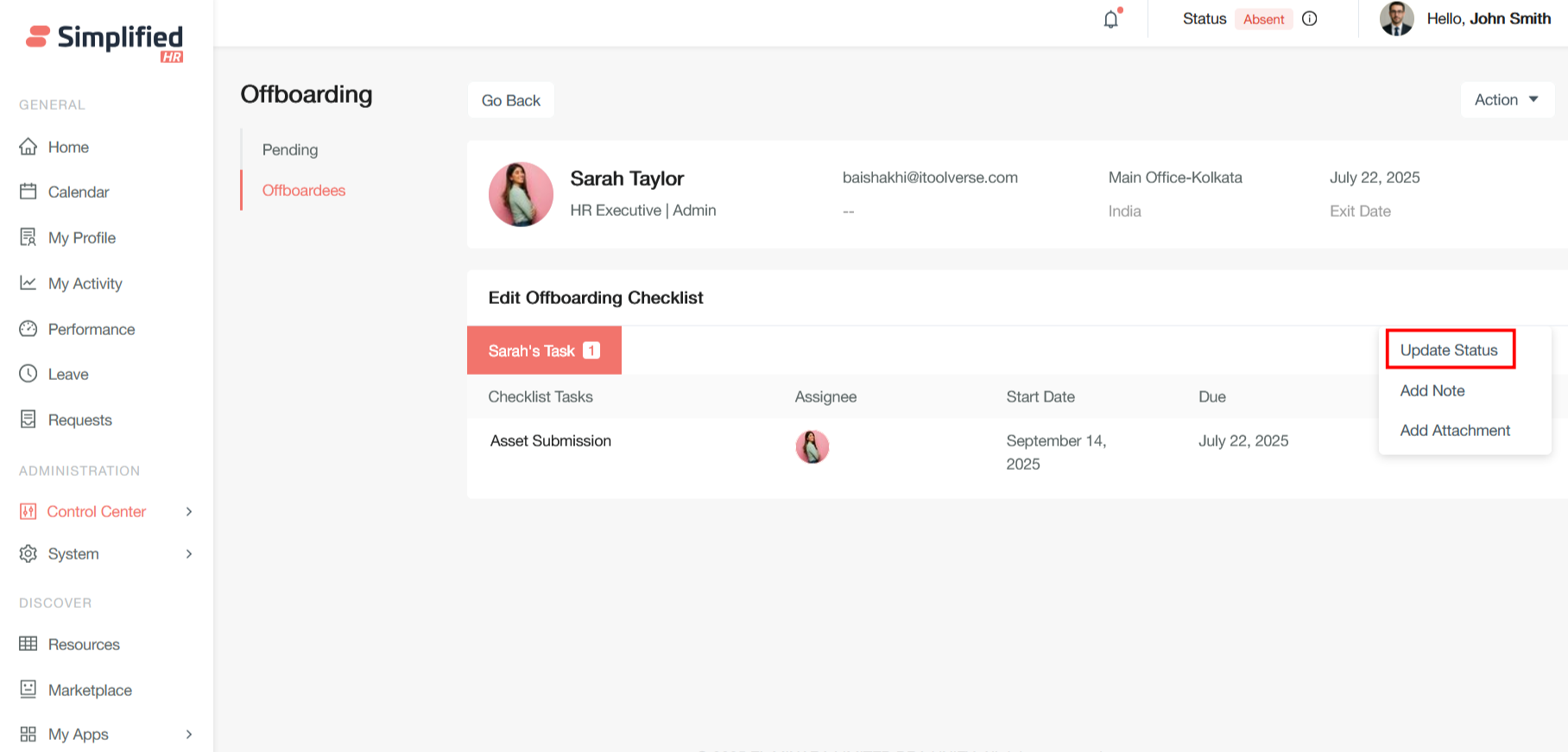
Update Status
The admin should monitor checklist completion in real-time by tracking individual task status changes. For critical offboarding processes, consider implementing verification steps before final completion. Some tasks may require supervisor approval or HR validation before being marked as truly complete.
This modal dialog allows HR administrators to manually change an employee's current offboarding status to Completed, providing flexibility when automatic status transitions aren't appropriate or when exceptions need to be handled.
Completed Status
Select Status (Required - Red Asterisk)
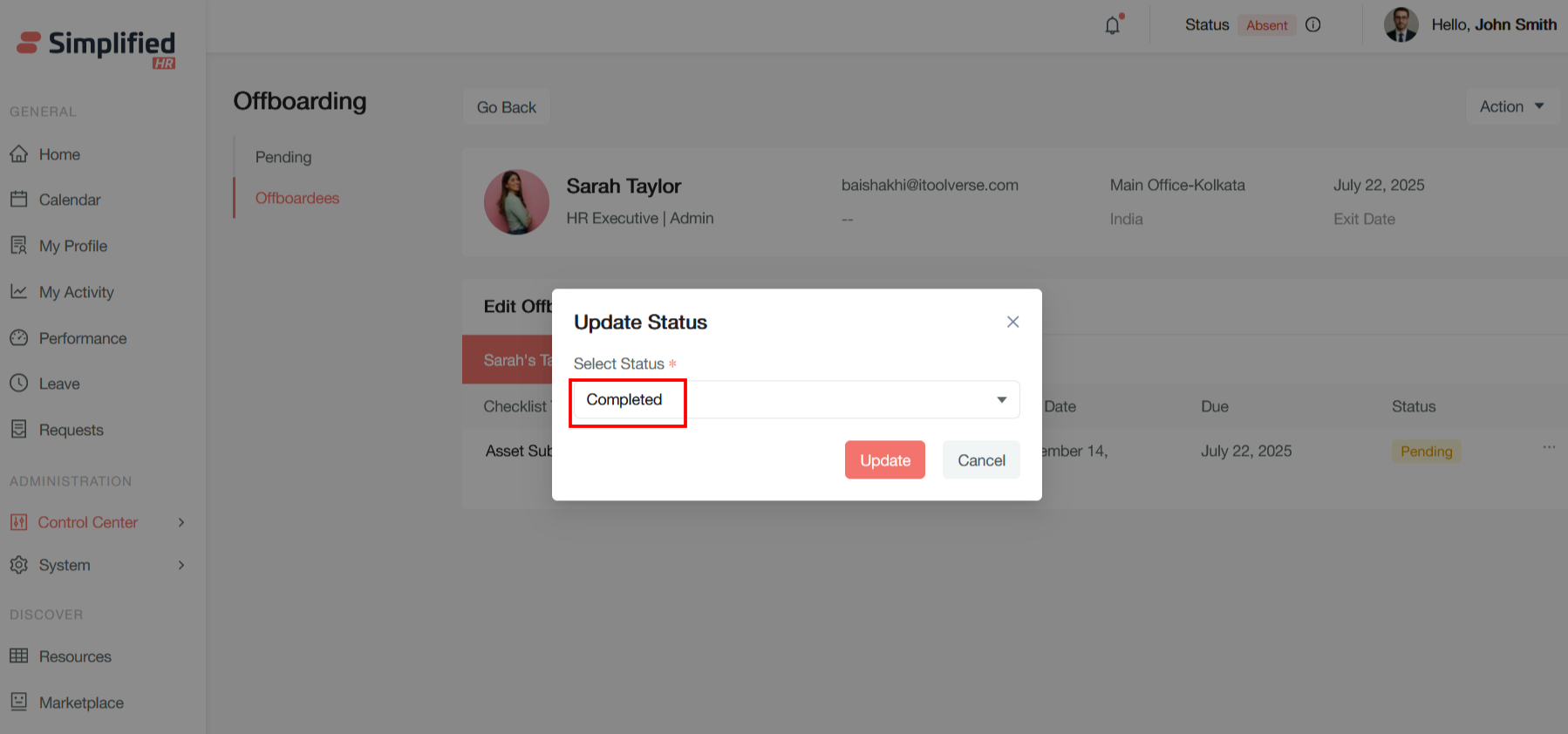
This dropdown field contains all available offboarding statuses that an employee can be moved to. Based on your previous offboarding system work.
In this instance, the administrator is updating the status to "Completed," indicating that all offboarding requirements have been satisfied and the employee's departure process is finalized.
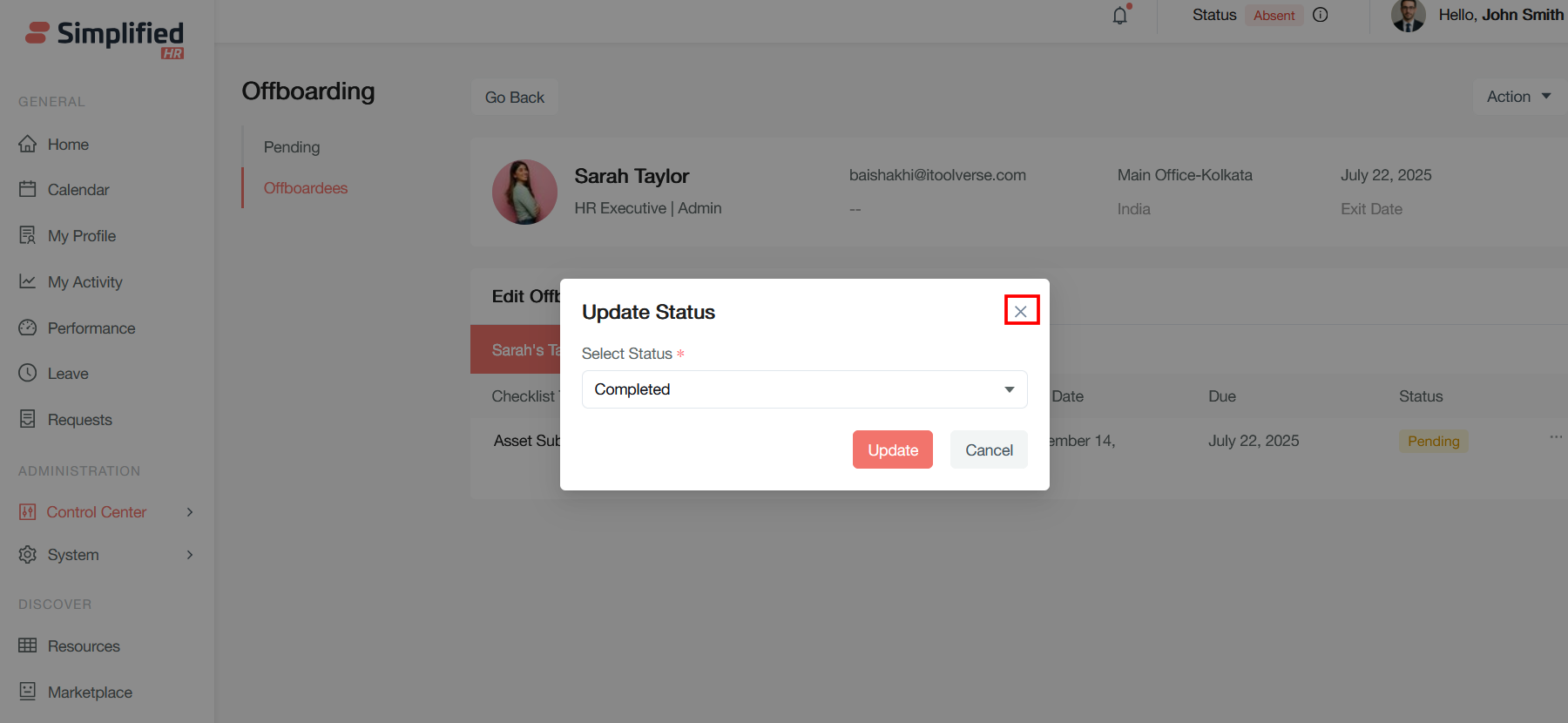
Close Button (X)
Located in the top-right corner, this closes the dialog without making any changes to the current status.
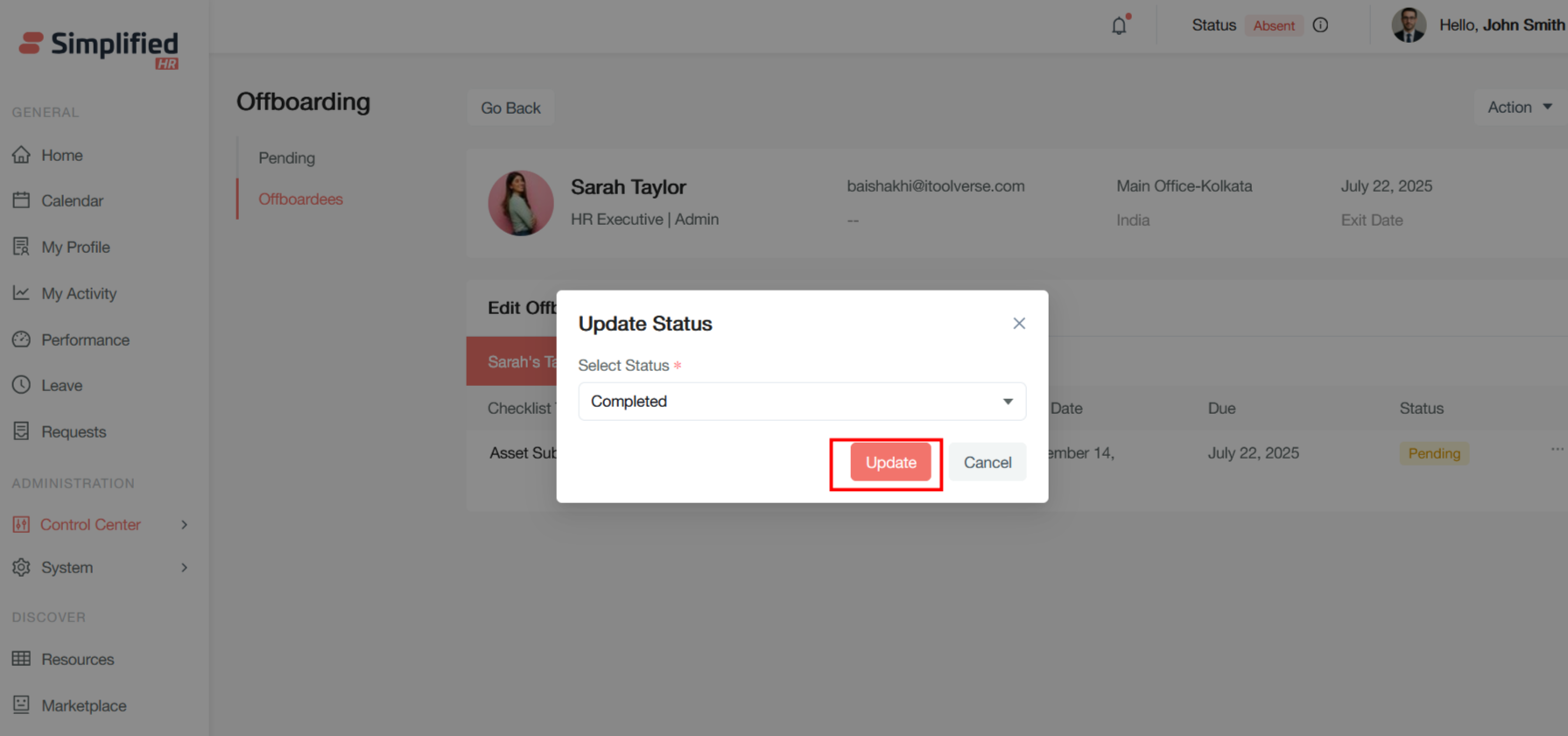
Update Button for Status
This primary action button applies the status change and updates the employee's offboarding record.
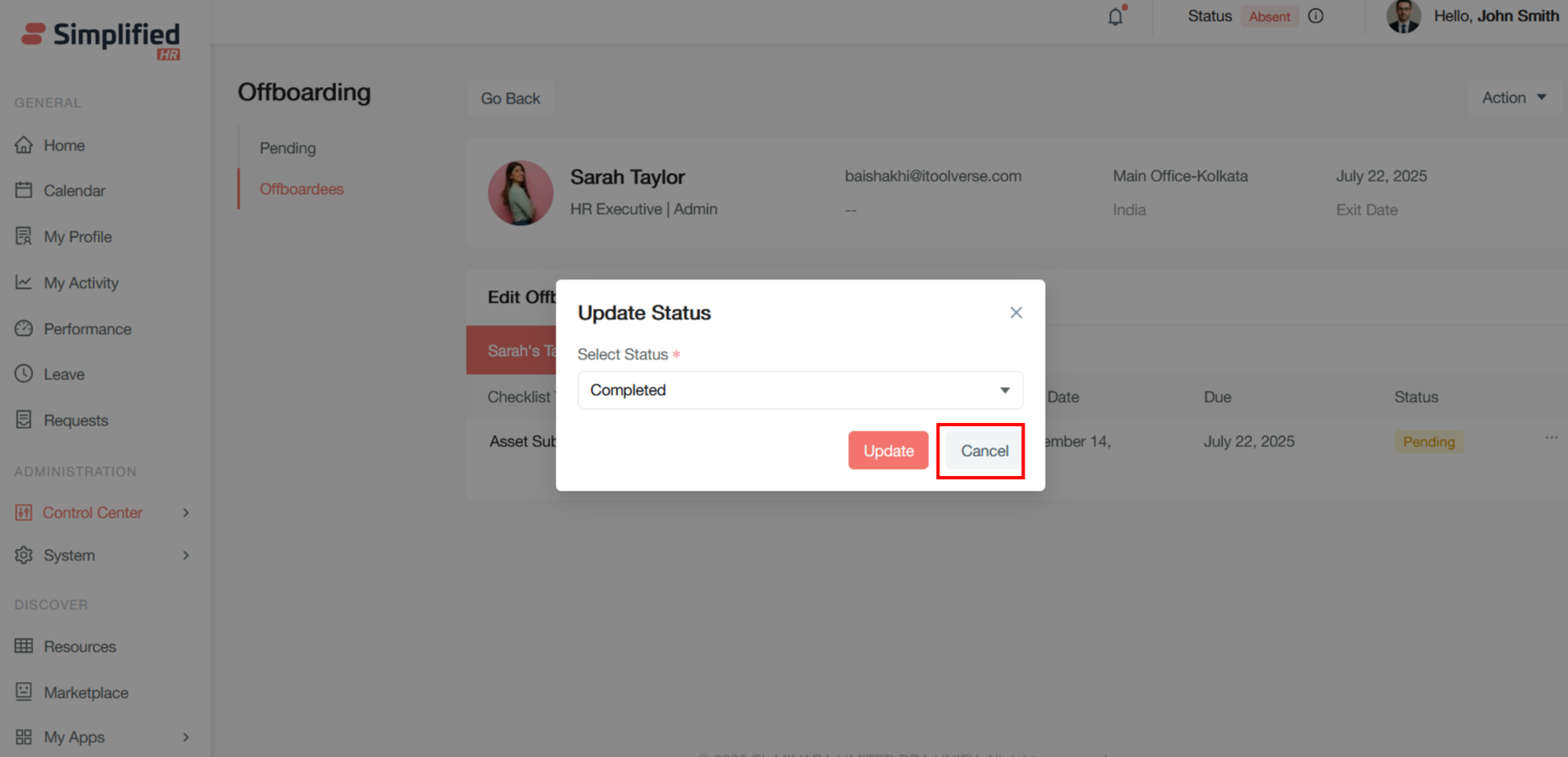
Cancel Button for Status
This secondary button discards any changes and closes the dialog without updating the employee's status, returning to the previous screen.
The required field validation ensures that a valid status is always selected before the update can be applied, maintaining data integrity within your offboarding workflow system.
The status is updated as Completed
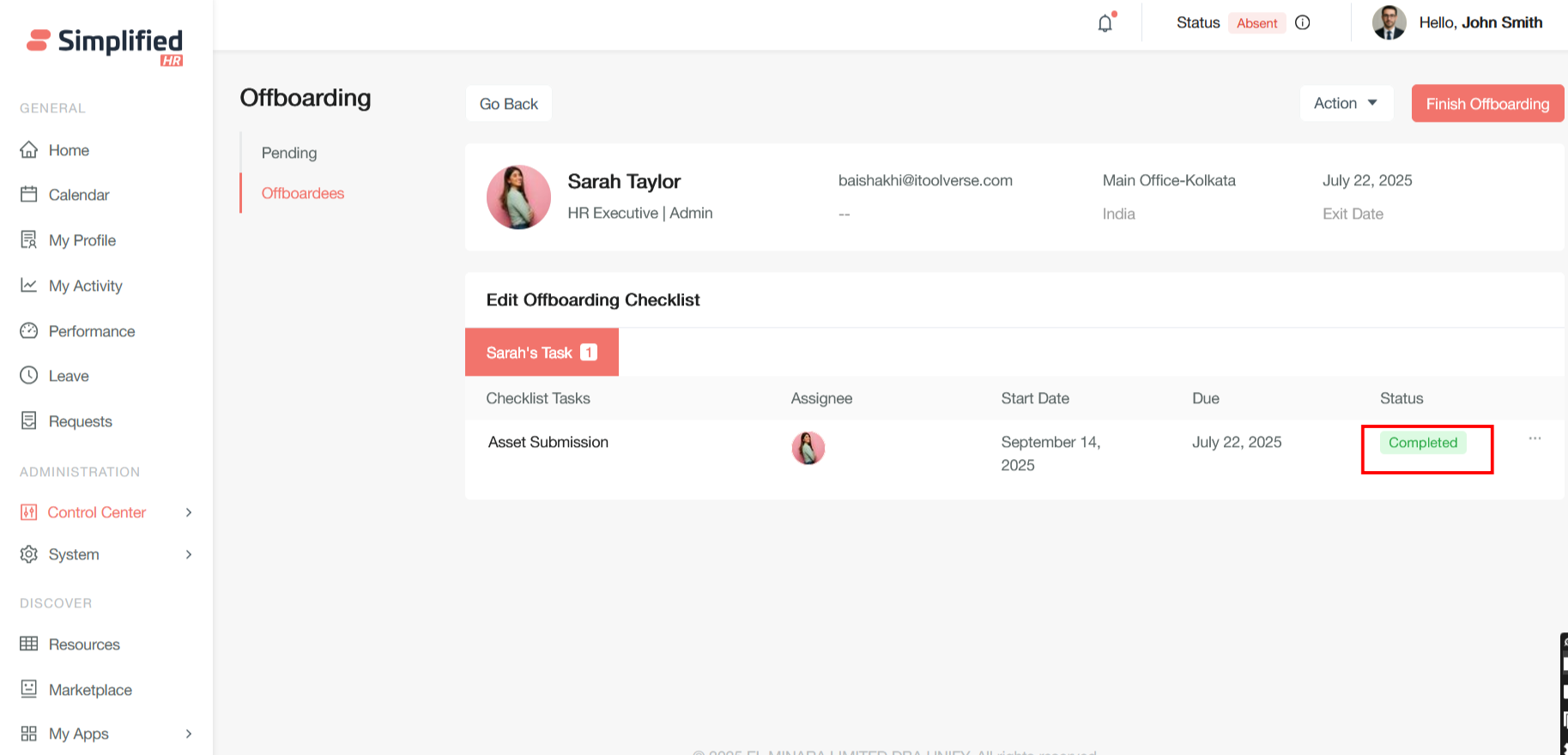
After completing the status administration can change the status:
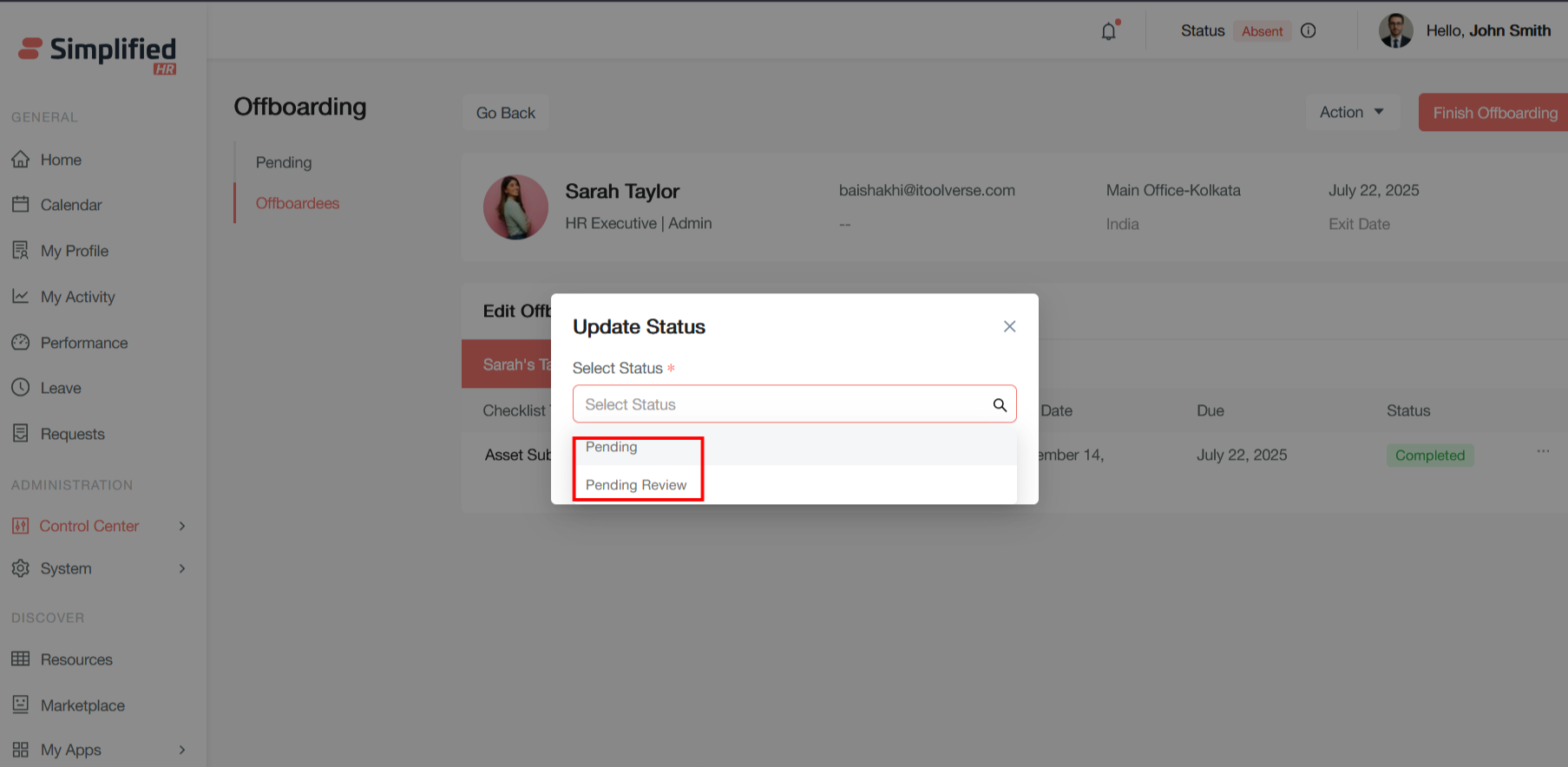
Pending Status
This is the initial status when an offboarding case is created but tasks are still in progress. Employees in this status have active departure processes with outstanding items that need completion.
Pending Review Status
Pending Review indicates that an offboarding case or specific task has been completed by the assignee but requires verification, approval, or assessment by a supervisor, HR administrator, or other authorized personnel before being marked as fully complete.
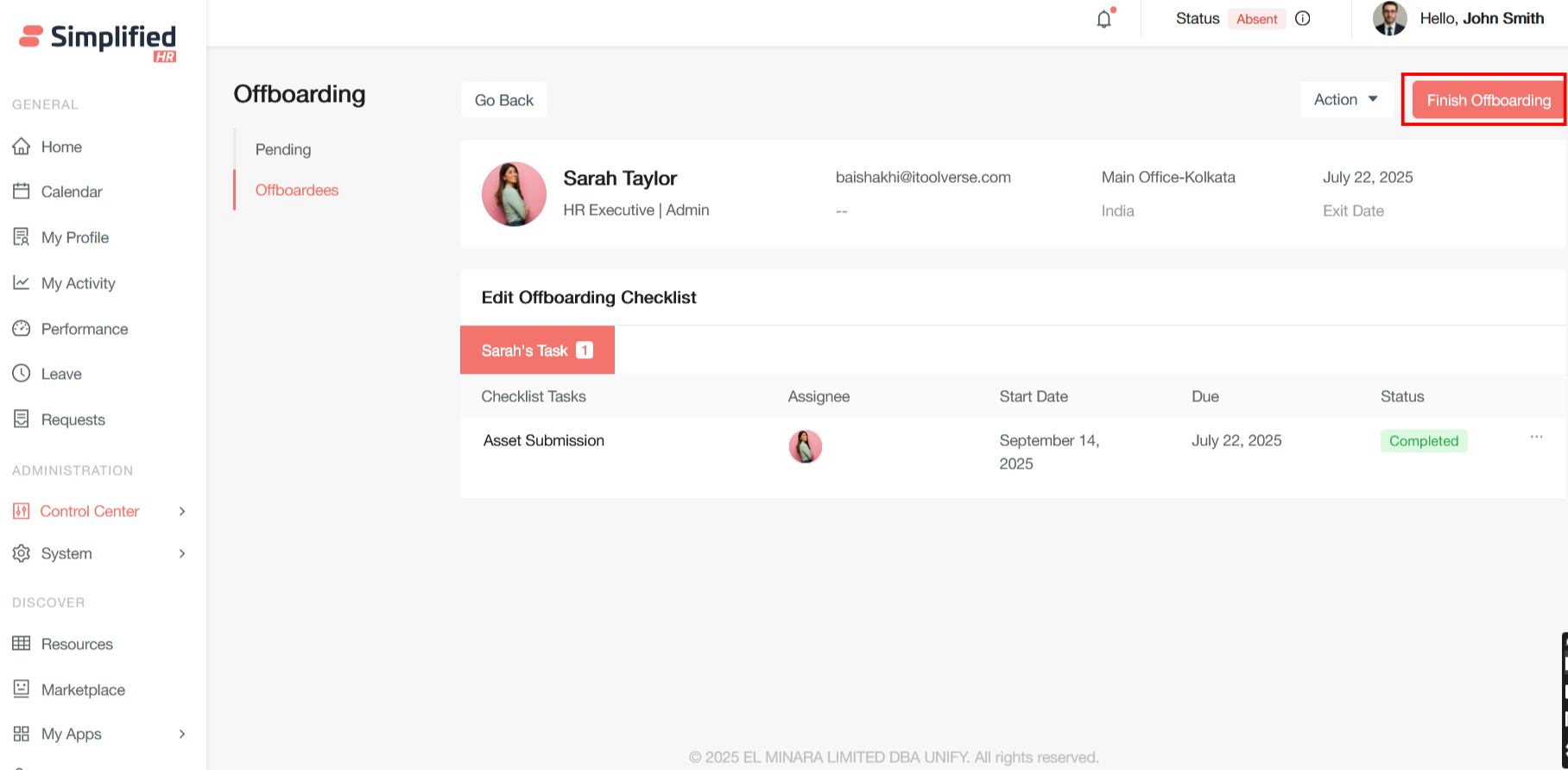
Finish Offboarding Action
The prominent "Finish Offboarding" button in the top-right allows manual status transitions when appropriate, providing flexibility for handling exceptions or special circumstances that may not follow standard automated workflows.
These status definitions create a comprehensive tracking system that ensures proper documentation and completion of all departure-related activities while maintaining clear audit trails for compliance purposes.
Click on Finish Offboarding button to finish offboarding of the employee after completing all the checklist for offboarding.
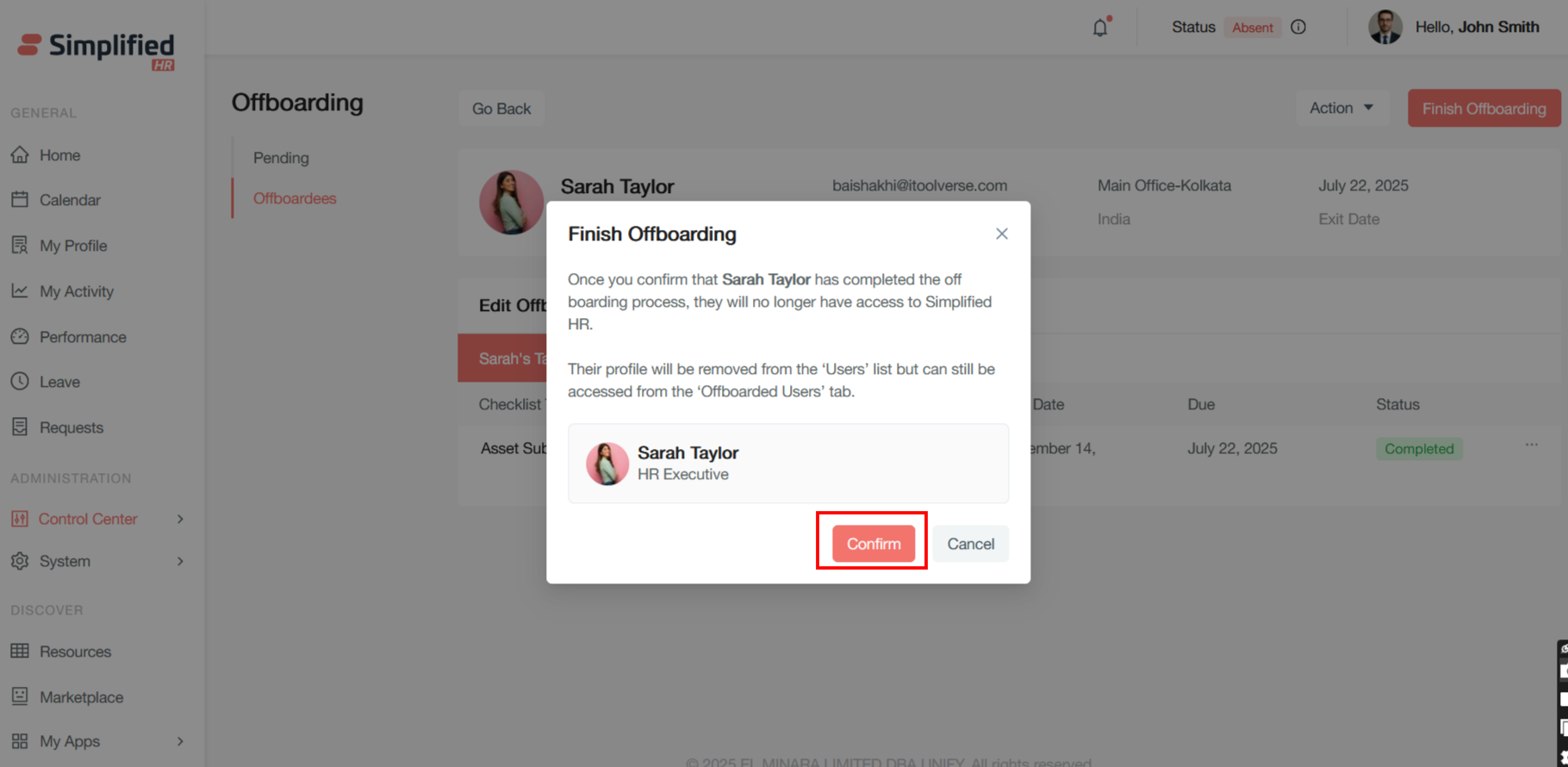
A confirmation pop up modal will appear for Finish offboarding.
This clearly explains the immediate consequence - complete system access revocation. Sarah Taylor will lose all login privileges and ability to interact with the HR system, marking the definitive end of her employment relationship from a system perspective.
This explains the data retention and accessibility approach:
-
Active removal: The profile disappears from active employee lists and directories
-
Archival access: The profile remains accessible for historical reference, compliance, and reporting purposes
-
Segregated storage: Offboarded users are maintained separately from active employees, preventing confusion while preserving records
This final step represents the point of no return in the offboarding process. Once confirmed, Sarah Taylor transitions from being an active employee with system privileges to being a historical record in the offboarded users archive. This ensures clean separation between current and former employees while maintaining necessary records for compliance, reference, and potential future rehiring scenarios.
The dialog's design emphasizes the permanence of this action through clear warning language and prominent visual confirmation of the affected employee.
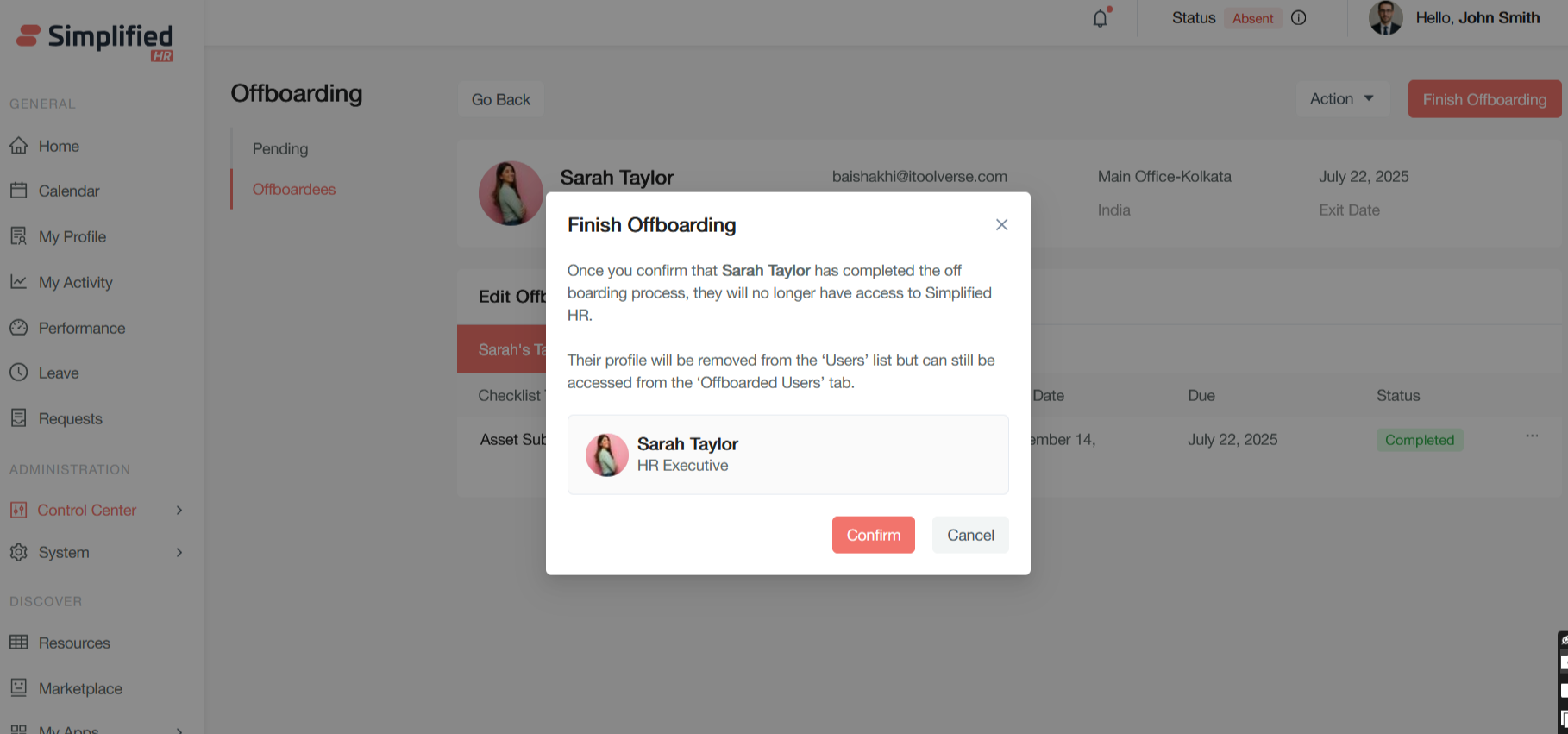
Click on Confirm button to finish offboarding
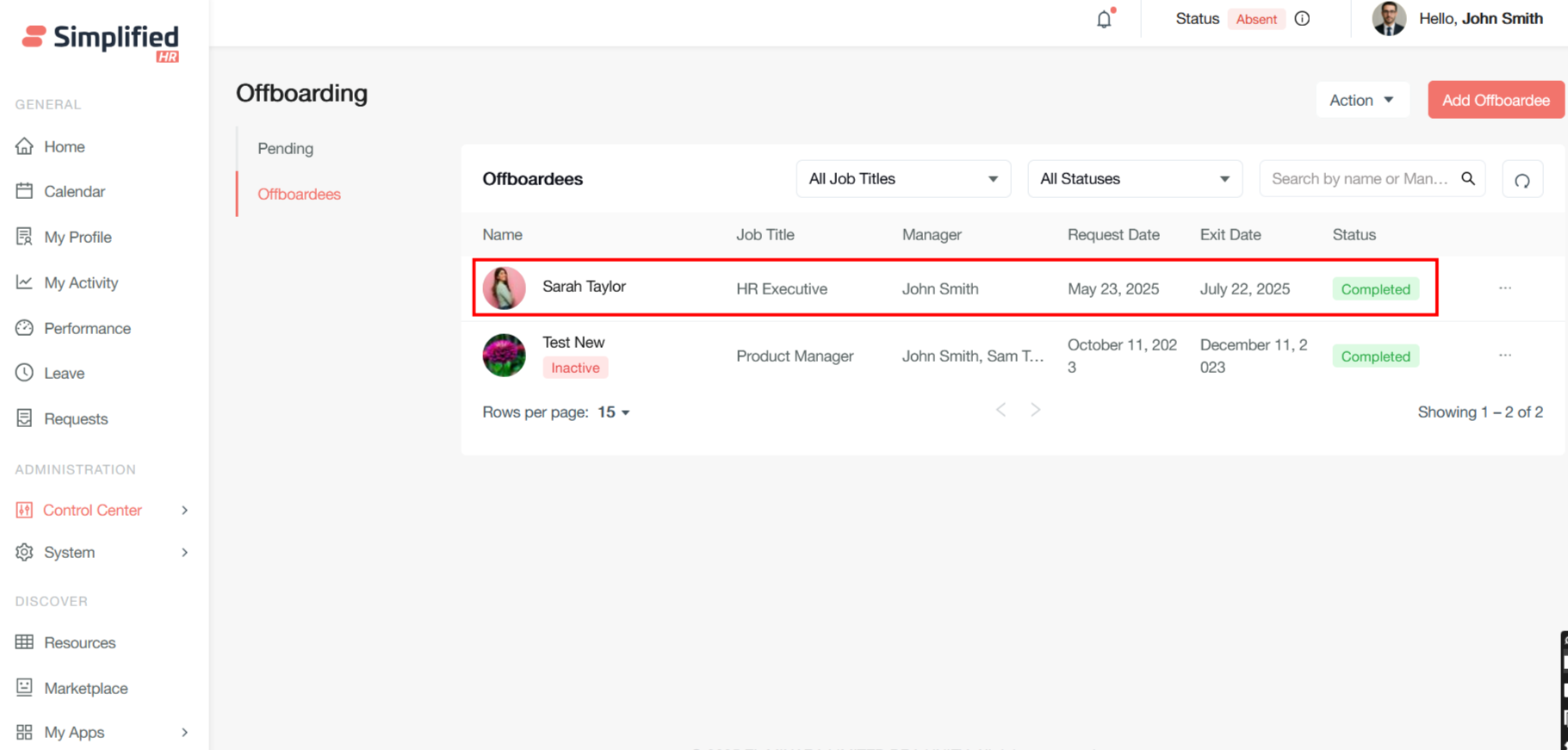
Once the finish offboarding is done, the offboarding is completed of the employee